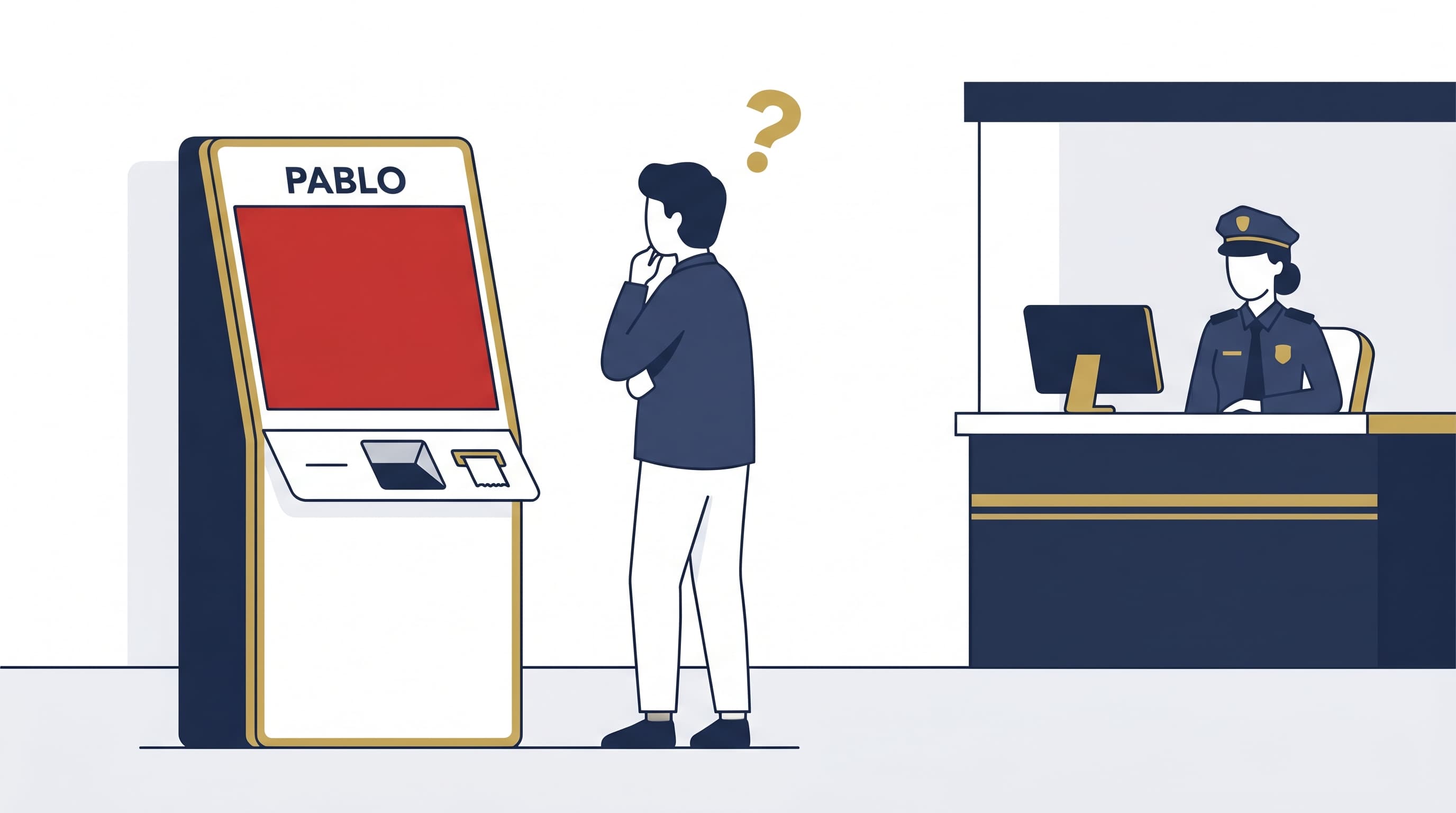
Red screen at the PABLO kiosk
You scan your barcode. The screen turns red. Three possible causes:
1. Random inspection. Customs selects forms at random for physical verification. Go to the customs desk with your passport, receipts, and the purchased items. The officer checks that the goods match the form, stamps it, and you leave.
2. Data entry error. The passport number, date, or amount on the form doesn't match. Bring the original passport to the customs desk. The officer corrects and validates manually.
3. High-value purchase. Forms above €1,000 trigger inspections more often. Keep the items in your carry-on and the receipts within reach.
A red screen is not a refusal. It's a redirect to the customs desk.
Expired form
You have 3 months from the purchase date to scan your form at a PABLO kiosk. After that, the system rejects the scan.
Expired by a few days: contact your operator. Some will process the claim with supporting documents (receipts, travel proof, form copy).
Expired by several weeks: the refund is lost. Customs does not grant extensions. Keep the receipts in case your operator makes a commercial exception.
To avoid this: scan on the same day you shop. With Belcova, you receive reminders before expiry.
Refund not received after validation
Your kiosk showed green. You wait. Nothing arrives on your card.
Check first
- Has the normal processing time passed? Belcova refunds in 3 to 5 business days. Traditional operators take 10 to 15 days. Count from the PABLO validation date, not the purchase date.
- Is the bank card correct? Verify that the card on the form matches the one you're checking. If you switched cards since then, the transfer may have failed.
- Did your bank block the transfer? International payments sometimes get caught by anti-fraud filters. Call your bank.
If the problem continues
Contact your operator with:
- The form number
- The PABLO validation date
- A screenshot of the green screen (if you photographed it)
- Your bank details
The operator can check the validation status in the PABLO system and reissue the transfer.
Partial refund
You expected €80 and received €45. Two explanations:
The operator's refund rate. Not all operators return the same percentage. An operator at 55% on a €500 purchase (€83.33 VAT) returns €45.83. Belcova at 80% returns €66.67. Check the rate printed on your form.
Processing or transfer fees. Some operators charge a flat fee per form (€3 to €5) or currency conversion fees. Read the terms. Belcova does not charge flat fees on refunds.
The kiosk won't read the barcode
The scan fails. Nothing happens.
- Screen brightness too low. Turn your phone brightness to maximum.
- Barcode blurry or cut off. If you printed the form, check that the barcode is complete and sharp. Reprint if needed.
- Wrong barcode format. Some older forms use a format that newer kiosks can't read. Go to the customs desk.
- Kiosk malfunction. Try another kiosk in the same terminal or border post.
I forgot to scan before my flight
Your plane leaves in 20 minutes. You didn't scan.
You're returning to France within 3 months: scan on your next visit at any airport or border crossing with a PABLO kiosk.
You're not returning to France: contact your operator. If you're transiting through another EU country, you can get the printed form stamped at that country's customs. See our EU transit validation guide.
You're already outside the EU: the form can no longer be validated by customs. Contact your operator to check if any recourse exists, but in most cases the refund is lost.
The store refused to create a form
Two situations:
The store has no contract with an operator. That's their right. Tax-free service is not mandatory for retailers. With Belcova, this problem goes away: you ask for a regular receipt, photograph it in the app, and Belcova generates the form.
The store has a contract but still refuses. This violates their contractual obligation to their operator. Ask again politely. If they still refuse, note the store name and report it to the operator.
FAQ
Does a red screen mean my refund is cancelled? No. It redirects you to a customs officer for verification. In most cases, the officer validates the form after inspection.
Can I dispute a refund that's too low? Yes. Contact your operator with the form and original receipt. If the amount doesn't match the stated rate, the operator must correct it.
My form was validated but the operator says otherwise? If you photographed the green screen, send the proof. The operator can verify in the PABLO system. Keep the photo until you receive the refund.
How long to resolve a dispute? Depends on the operator. Belcova handles claims within 48 business hours. Traditional operators can take 2 to 4 weeks.
Belcova is launching soon. Get notified.