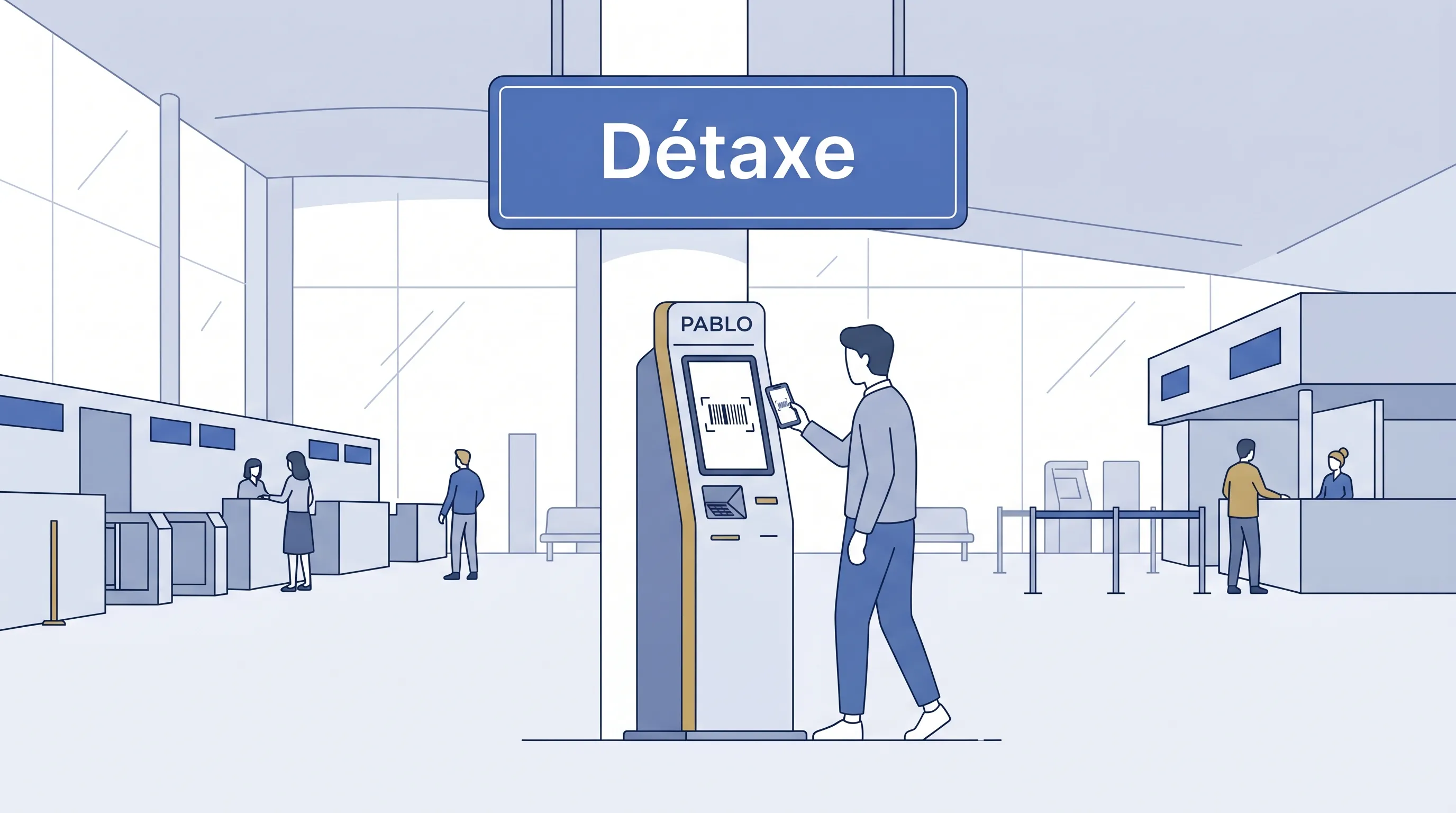
PABLO in 30 seconds
PABLO (Programme d'Apurement des Bordereaux par Lecture Optique) is a barcode scanner at French airports. You scan your tax-free form, it gets validated by customs, and your refund processes automatically.
No PABLO scan = no refund. The kiosk replaces the old manual customs stamp. It takes 10 seconds per form when there's no queue.
Where to find PABLO kiosks at CDG
Terminal 1
Location: Departure hall, level 3, near check-in counters. Look for the blue "Détaxe / Tax Refund" signs.
Hours: 6:00-22:00 daily.
Customs desk: Same area, staffed during operating hours.
Terminal 2A/C
Location: Departure level, before security checkpoints. The kiosks sit near the customs office.
Hours: 5:30-22:00 daily.
Note: T2A and T2C share the same departure hall. One set of PABLO kiosks serves both.
Terminal 2E/F
Location (before security): Departure hall, near the customs area. This is the main location.
Location (after security): Duty-free shopping area. A second set of kiosks exists here for passengers who forgot to scan before security.
Hours: 5:30-22:30 daily. The after-security kiosks close at 22:00.
This terminal handles most long-haul flights. Expect the longest queues here between 6-9 AM.
Terminal 2G
Location: Departure area, near gates.
Hours: 6:00-21:00 daily.
Serves: Regional and some European flights. Lower volume, shorter waits.
Terminal 3
Location: Departure level, near check-in.
Hours: 6:00-21:00 daily.
Serves: Low-cost carriers. The kiosks here are fewer but rarely crowded.
Other airports and exits
| Location | PABLO kiosk | Customs desk |
|---|---|---|
| Paris Orly (South) | Yes, departure hall | Yes |
| Paris Orly (West) | Yes, departure area | Yes |
| Nice Côte d'Azur | Yes, T1 and T2 | Yes |
| Lyon Saint-Exupéry | Yes, departure hall | Yes |
| Marseille Provence | Yes, T1 | Yes |
| Gare du Nord (Eurostar) | Yes, before passport control | Yes |
| Calais (ferry/tunnel) | Yes, customs area | Yes |
How to use the kiosk
Before you start: Have your tax-free forms ready. Each form has a barcode (printed on paper or shown on a phone screen).
Step 1. Find the scanner. It's a screen with a flat glass surface or a handheld scanner attached.
Step 2. Hold the barcode under the scanner. Keep the paper flat. The machine reads it in 2-3 seconds.
Step 3. Read the screen.
- Green / OK / CONFORME: Your form is validated. Move to the next form or walk away.
- Red / KO / NON CONFORME: The form needs manual review. Proceed to the customs desk.
Step 4. Repeat for each form. Five forms = five scans.
When the screen shows KO
A red screen means a customs officer needs to review the form manually. Your refund is still alive.
Common triggers:
Random inspection. Customs selects a percentage of forms for verification. Nothing you did wrong.
Data mismatch. The passport number on the form doesn't match what customs has on file. This happens when a cashier mistyped a digit.
High-value purchase. Purchases above certain thresholds (varies, but roughly €1,000+) trigger automatic manual review.
Expired form. You're trying to validate more than 3 months after the purchase date. The form is dead.
What to do: Walk to the customs desk (near the kiosks). Bring your passport, all receipts, and the purchased goods. The customs officer inspects the items, verifies your identity, and stamps or validates the form manually. Takes 5-15 minutes depending on the queue.
When the barcode won't scan
- Flatten the paper. Creases across the barcode break the read.
- Try different angles. Tilt the paper 10-15 degrees.
- Move closer to the glass. Some scanners have a narrow focal range.
- Check if the barcode is smudged or torn. If it's unreadable, go to the customs desk. They can look up the form by its reference number.
Forgot to scan before security?
CDG T2E/F: You're covered. Kiosks exist after security in the duty-free area.
Other terminals: No kiosks after security. You have two options:
- Exit back through security (ask airport staff, not always allowed).
- Go to the customs desk if one exists in the departure lounge.
Already at the gate or on the plane? The form cannot be validated. Contact your refund operator. Some can extend the deadline with a valid reason, but count on nothing.
Timing
| Situation | Time to budget |
|---|---|
| 1 form, no queue | 2 minutes |
| 3 forms, moderate queue | 15 minutes |
| 5+ forms, morning rush (6-9 AM) | 30 minutes |
| KO result requiring customs desk | 15-20 minutes |
Plan to reach the PABLO kiosk area at least 30 minutes before check-in closes if you have more than one form.
Tips
- Scan first, check in second. PABLO kiosks are before security. You need access to the departure hall.
- Photograph every green screen. If a refund goes missing weeks later, the photo is your proof of validation.
- Group forms by operator. Speeds things up if the customs officer needs to review them.
- Keep goods in carry-on. Customs can ask to see purchases. Checked bags are inaccessible at the kiosk.
- Check kiosk hours against your flight. Early morning or late night flights might fall outside PABLO operating hours. In that case, go directly to the customs desk.
FAQ
Do I need to show the goods at the kiosk? Not at the kiosk itself. But customs can pull you for inspection after a KO result, and they will want to see the items.
Can someone else scan my forms for me? No. The passport holder needs to be present. Customs may verify identity.
I have forms from multiple trips. Can I scan them all at once? Each form validates independently. You can scan forms from different shopping days in one kiosk session, as long as each is within the 3-month window.
The kiosk is broken. What do I do? Go directly to the customs desk. They handle validations manually with the same result.
Do I need an internet connection? No. PABLO kiosks are standalone machines connected to the customs network. Your phone isn't involved unless your barcode is on a digital form.
Belcova handles the détaxe process from purchase to payout. Get notified when we launch.